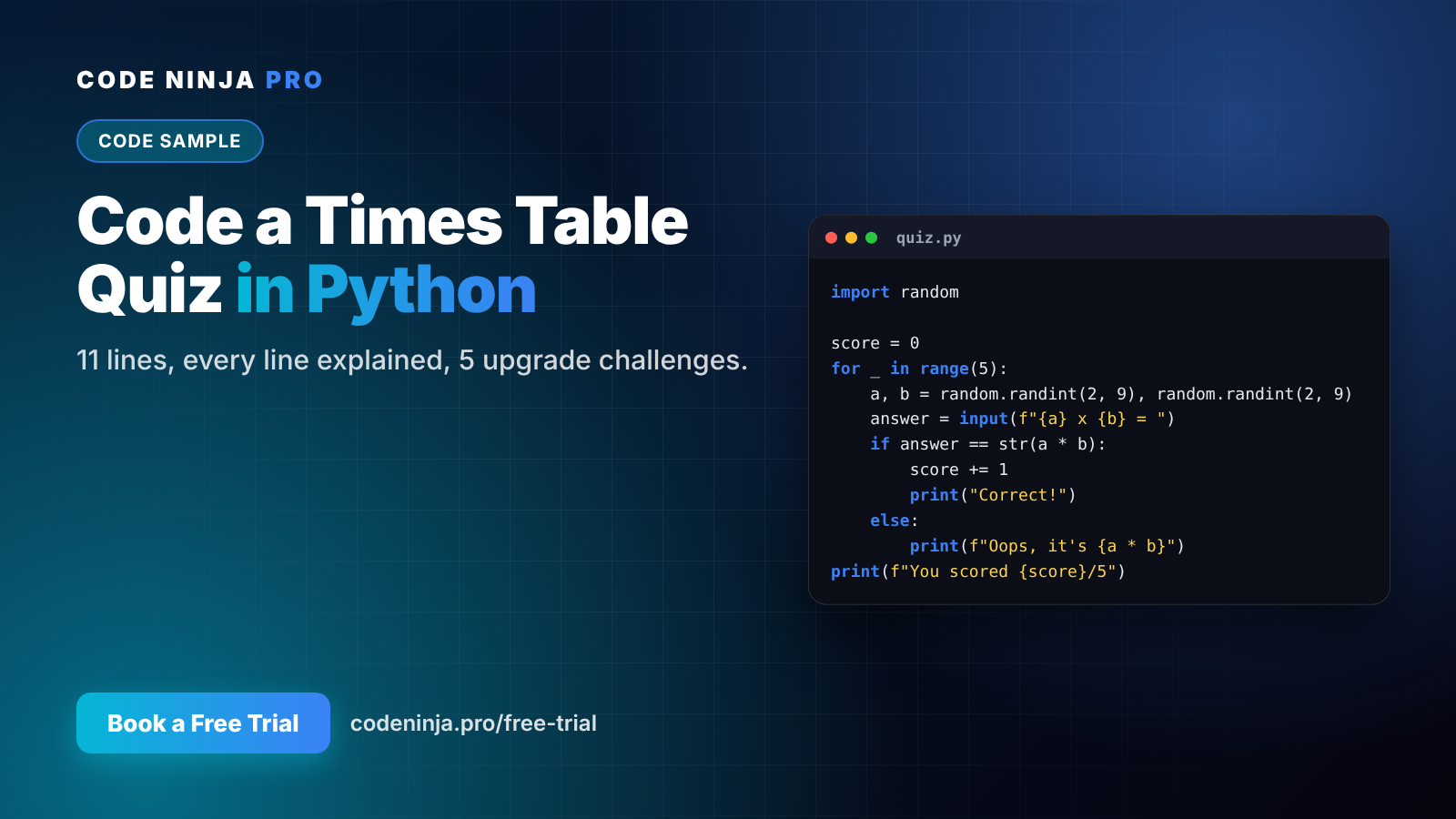
Make Times Tables Fun: A Python Maths Quiz Your
Github Link: https://github.com/codeninjapro-my/python-times-table-quiz-kids
Child Can Code
Times tables are one of those things every child has to learn, and very few enjoy drilling. So here's a different idea: let your child build the practice game themselves.
In this project, your child writes a times-table quiz in just 11 lines of Python. It asks five random questions, checks the answers and keeps score. Then they upgrade it with levels, a timer and more.
It takes about 20 minutes, works in any free online Python editor, and suits ages 9–10 and up (younger children can do it with a parent).
Why coding and maths belong together
Maths is getting more attention in Malaysian schools. Under the Kurikulum Persekolahan 2027, the Education Minister has said maths teaching time in primary school will rise to 608 hours across the six years.
Coding is one of the most natural ways to practise maths, because a program only works if the numbers are right. When children build a maths game, they use multiplication to make something, not just to fill in a worksheet. And when their own game marks them wrong, they're much more willing to try again.
What you need
- A computer or laptop
- Python from python.org, or any free online Python editor
- About 20 minutes
The full code
import random

score = 0
for _ in range(5):
    a, b = random.randint(2, 9), random.randint(2, 9)
    answer = input(f"{a} x {b} = ")
    if answer == str(a * b):
        score += 1
        print("Correct!")
    else:
        print(f"Oops, it's {a * b}")
print(f"You scored {score}/5")
Line by line: what each part does
import random — brings in Python's random number tools, so every game asks different questions.
score = 0 — a variable is like a labelled box. This one starts at zero and will hold the player's points.
for _ in range(5): — a loop. Everything indented underneath runs five times, once per question.
a, b = random.randint(2, 9), random.randint(2, 9) — picks two random numbers between 2 and 9.
answer = input(f"{a} x {b} = ") — shows the question and waits for the player to type an answer.
if answer == str(a * b): — checks the answer. The computer calculates a * b itself, so it always knows the right answer. str() turns the number into text so it can be compared with what was typed.
score += 1 — adds one point. else: runs when the answer is wrong, and shows the correct one.
print(f"You scored {score}/5") — the final score after all five rounds.
Run it
When you run the program, it looks like this:
7 x 8 = 56
Correct!
6 x 4 = 26
Oops, it's 24
...
You scored 4/5
Encourage your child to deliberately type a wrong answer, to see the else part working. Testing what happens when things go wrong is a real programmer's habit.
Level up: a version with difficulty and a timer
Once the basic quiz works, here's an upgraded version with two levels and a stopwatch:
import random
import time

level = input("Choose level (easy/hard): ")
top = 9 if level == "easy" else 12

score = 0
start = time.time()
for _ in range(5):
    a, b = random.randint(2, top), random.randint(2, top)
    answer = input(f"{a} x {b} = ")
    if answer == str(a * b):
        score += 1
        print("Correct!")
    else:
        print(f"Oops, it's {a * b}")
seconds = round(time.time() - start)
print(f"You scored {score}/5 in {seconds} seconds")
New ideas here: time.time() reads the clock at the start and end, and subtracting the two gives the time taken. The top variable changes the biggest number, so "hard" goes up to 12 × 12.
5 challenges to try next
- More questions. Change
range(5)torange(10). What else must change so the score says "/10"? - Streaks. Count how many correct answers in a row, and print "🔥 3 in a row!" when it happens.
- One table only. Let the player choose a times table to practise, such as only the 7s.
- Other operations. Add addition, subtraction or division questions.
- High score. Keep the best score so far and announce a new record.
Each challenge uses a core programming idea — loops, conditions, variables and user input — the same building blocks behind every app and game.
Why this beats another worksheet
A worksheet asks a child to practise. A coding project asks them to think: how do I check an answer? What happens if someone types a letter? How do I make it harder? That's problem-solving, and it builds the logical thinking that school subjects like maths and the new Technology and Digital subject both rely on.
At Code Ninja Pro, students build projects like this early in their Python journey, then move on to web apps, AI and robotics.
Want your child to build their next game with a tutor beside them? Book a free trial — mainland on Saturdays, island on Sundays. 👉 codeninja.pro/free-trial
FAQ
What age is this for? Around 9–10 and up can manage it with some typing practice. Younger children can do it with a parent.
Do we need to install anything? No. Any free online Python editor works, or install Python from python.org.
My child typed the code but got an error. Why? Most errors are a missing colon, a missing bracket or quote, or uneven indentation. Compare each line carefully with the code above.
Why does it say "Oops" when my child typed the right answer? Check for spaces before or after the number. Challenge: use answer.strip() to ignore extra spaces.
What should my child learn after this? Try the 5 challenges, then explore loops and lists further. For a structured path to web, AI and robotics projects, book a free trial at codeninja.pro/free-trial.
Ready To Experience Coding First-Hand?
Join our FREE Trial Classes and discover the exciting world of coding, AI and robotics.