Using AI Isn't Knowing AI: Closing Malaysia's Workplace Skills Gap
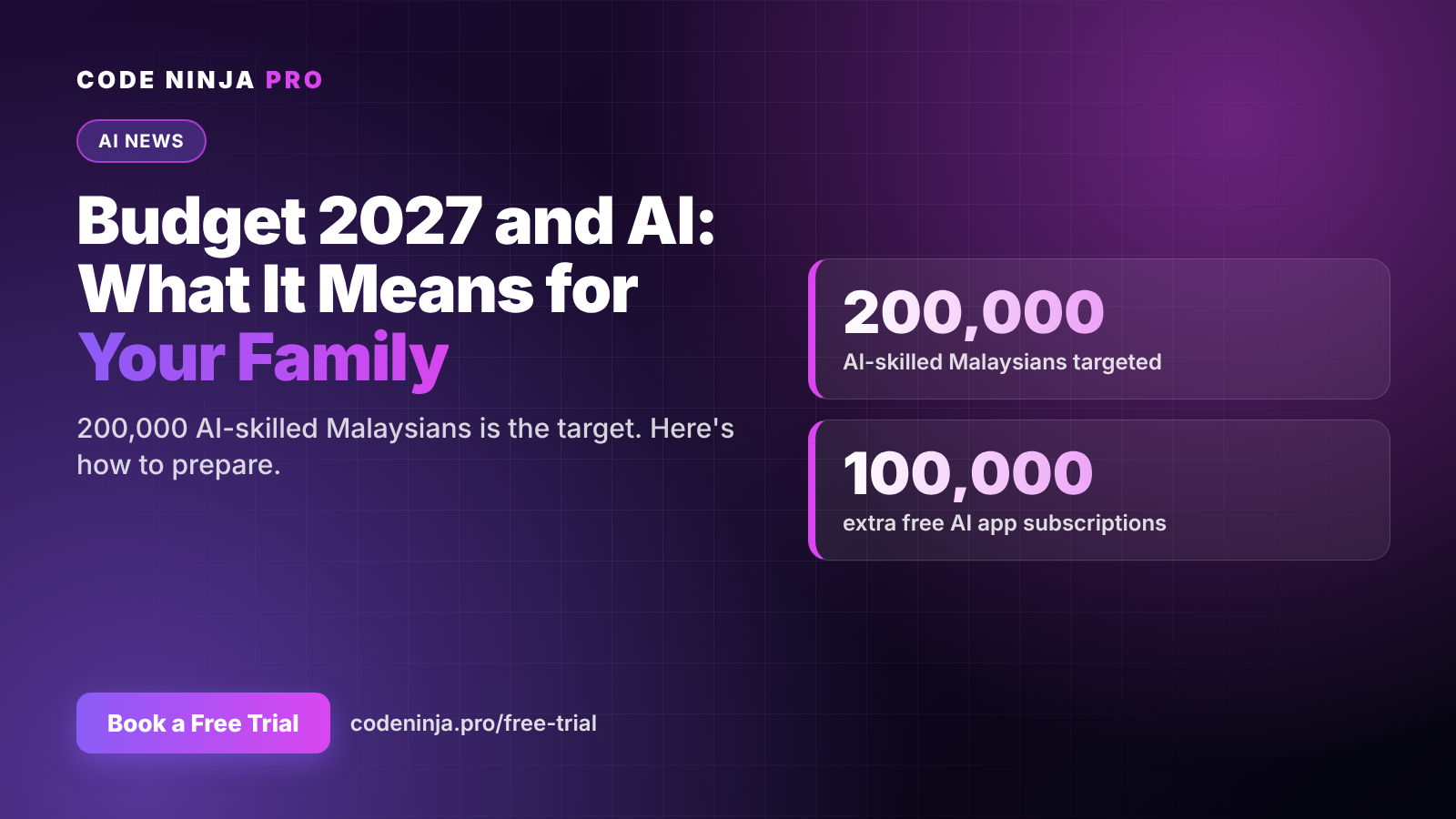
Malaysians have embraced AI at work faster than almost anyone expected. The training hasn't kept up.
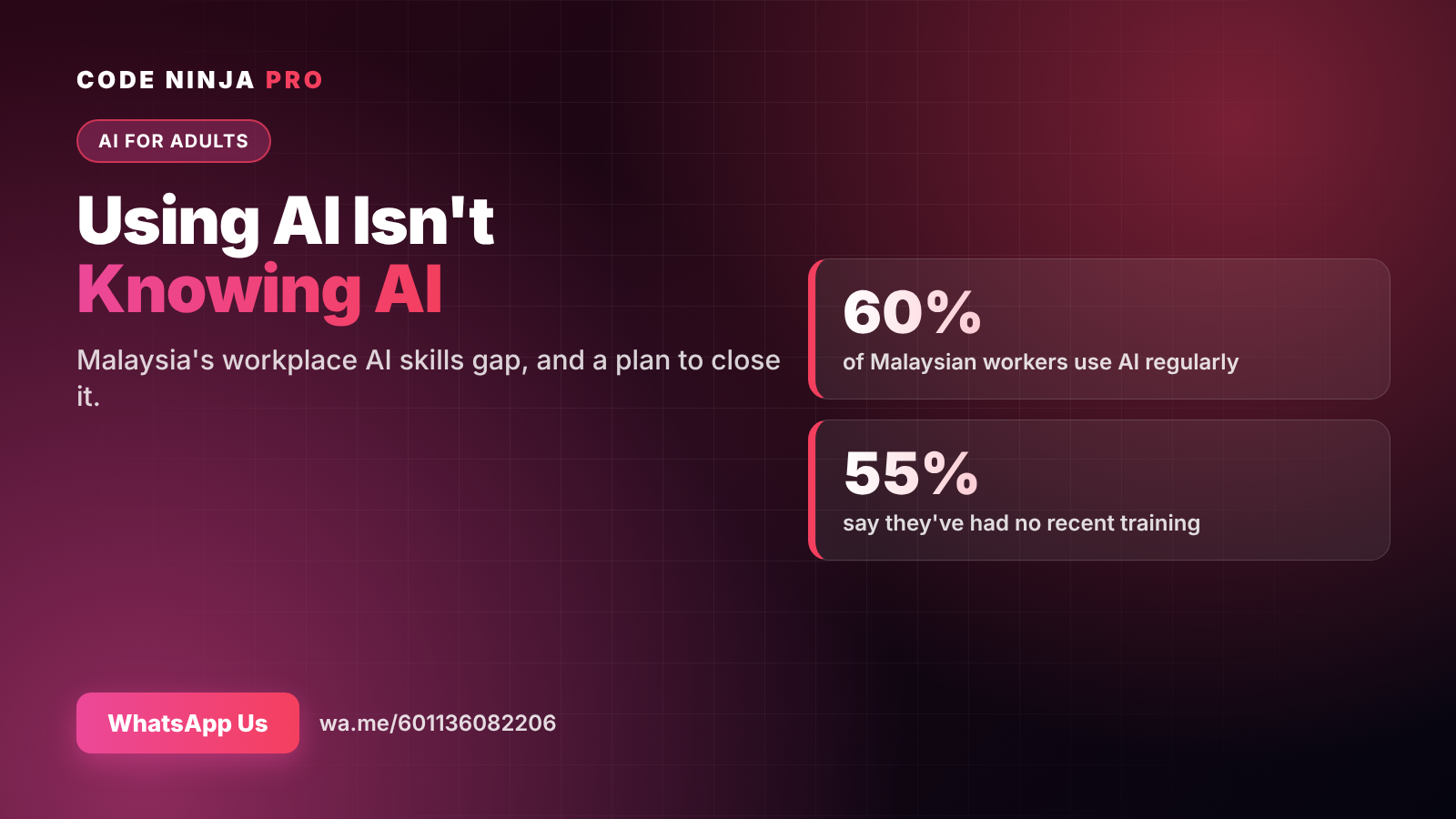
ManpowerGroup's Global Talent Barometer 2026, which surveyed 536 Malaysian workers between September and October 2025, found that 60% use AI regularly — but 55% said they hadn't had recent training, and 32% had no access to mentorship. Confidence in technology also fell to 78%, down seven points year on year, linked to concerns about AI proficiency.
In other words: many of us are using a powerful tool we were never shown how to use well. This post explains what that gap looks like in practice, and gives you a 30-day plan to close it.
What "using AI" usually looks like
For most people, using AI at work means typing a short question into ChatGPT and taking whatever comes back. Typical results:
- Generic answers that need heavy rewriting
- Emails that sound like a template, not like you
- Confident-sounding mistakes that slip into reports
- The feeling that AI is "okay, not amazing"
None of that is the tool's fault. It's what happens when anyone uses a sophisticated tool without a method.
The 3 levels of AI skill at work
It helps to think of AI skill in three levels:
- User — asks AI questions and copies answers. Saves a little time, risks errors.
- Operator — gives AI a role, context, format and constraints; checks every output; uses AI for drafting, summarising, analysing and planning. Saves real time every week.
- Builder — designs repeatable workflows and simple AI agents that handle multi-step tasks, such as sorting an inbox, compiling a weekly report or preparing first drafts from templates.
Most people sit at level 1. Level 2 is where the biggest everyday gains are, and it is learnable in weeks, not years. Level 3 is where AI starts working for you rather than just with you.
Signs you're stuck at level 1
- Your prompts are one sentence long.
- You often rewrite most of what AI gives you.
- You've been caught out by an AI "fact" that was wrong.
- You use AI for the same two or three tasks and nothing else.
- You aren't sure what you're allowed to paste into AI at work.
If two or more sound familiar, you're in the majority — and you have the most to gain.
A 30-day plan to close the gap
Week 1 — Learn the formula. For every prompt, include a role ("You are a project coordinator"), context (what's going on and who it's for), format (bullets, table, word limit) and a constraint (tone, what to avoid). Compare the results with your old one-line prompts.
Week 2 — Build your prompt library. Save the five prompts that worked best: meeting notes, email rewrites, report drafts, document summaries, weekly planning. Reuse and refine them instead of starting from scratch.
Week 3 — Make checking a habit. For anything that matters, ask AI to list its assumptions, then verify names, numbers and dates yourself. Learn your company's rules on confidential data.
Week 4 — Automate one repeat task. Pick something you do every week and design a step-by-step process for AI to handle it, with you approving the result. This is your first step towards level 3.
Where AI agents come in
AI agents are the next stage of workplace AI. Instead of answering one question, an agent follows a series of steps: it gathers information, uses tools such as email, files or calendars, checks results and reports back.
The people who benefit most from agents are those who already work at level 2. Agents need clear task definitions and careful review — exactly the habits the 30-day plan builds. Skip the foundations and agents become just another tool you don't quite trust.
Why a structured course helps
You can close part of the gap on your own. Many people stall around week 2, because practice without feedback is slow: you don't know why a prompt failed or what a better workflow would look like.
A good course gives you three things self-learning rarely does: a sequence, practice on your real tasks, and someone to tell you what to fix.
That's what AI Productivity Pro & AI Agents is built for. It's a 12-week online course for working adults, with two 1-hour classes a week. You start with the prompting and checking habits above and finish by building your own simple AI agents for the repetitive parts of your job.
👉 WhatsApp us for details and the next intake
FAQ
Where do the 60% and 55% figures come from? From ManpowerGroup's Global Talent Barometer 2026, reported by Malay Mail in January 2026. It surveyed 536 Malaysian workers between 1 September and 1 October 2025.
Do I need a technical background to move up the levels? No. Levels 1 and 2 need no coding at all, and simple agents can now be built with little or no code.
Is it safe to use AI at work? It can be, if you follow your company's policy, never paste confidential data into public tools, and check outputs before using them.
How long until I see results? Most people notice better results within the first week of using the role-context-format-constraint formula.
How do I join the course? WhatsApp us at wa.me/601136082206 and we'll send the full details, including fees and the next intake date.
Ready To Experience Coding First-Hand?
Join our FREE Trial Classes and discover the exciting world of coding, AI and robotics.