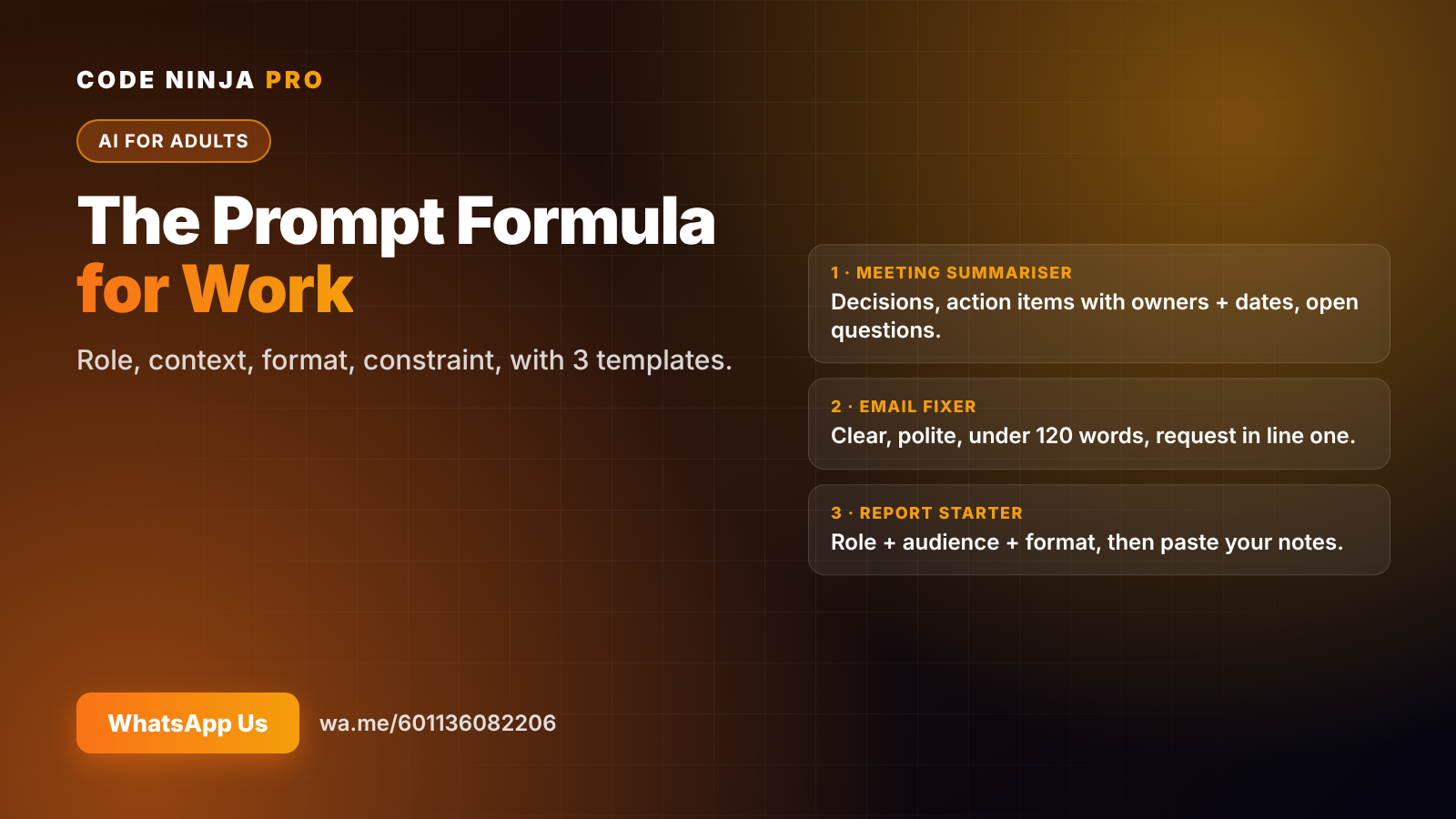
The Prompt Formula: Write ChatGPT Prompts That Work at Work
If ChatGPT keeps giving you bland, generic answers, the problem usually isn't the AI. It's the prompt.
Compare these two requests:
"Write an email about the delay."
"You are a project coordinator. Write a short email to a client explaining that their order will arrive 3 days late because of a supplier issue. Apologise once, give the new date, and offer a 5% discount on their next order. Under 100 words, warm but professional."
The first gets you a template. The second gets you something you can send. The difference is a simple, repeatable formula.
The formula: Role + Context + Format + Constraint
OpenAI's own prompting guide advises users to be specific and detailed about context, outcome, length, format and style. A practical way to remember that is four parts:
- Role — who AI should act as. "You are an HR officer", "You are a sales manager". This sets vocabulary and point of view.
- Context — what's happening, who it's for, and what matters. The more relevant detail, the less AI has to guess.
- Format — exactly what shape you want back: bullet points, a table, a 3-paragraph email, a one-page summary.
- Constraint — limits and rules: word count, tone, what to include, what to leave out.
You won't need all four every time. But when an answer disappoints, check which one is missing.
Template 1: The meeting summariser
"Here are my meeting notes. Give me: decisions made, action items with owners and dates, and open questions. Use bullet points. Flag anything unclear rather than guessing. [paste notes]"
Why it works: clear format (three lists) and a constraint ("flag, don't guess") that stops AI from inventing owners or deadlines.
Template 2: The email fixer
"Rewrite this email to be clear, polite and under 120 words. Keep my main request in the first line. Keep the tone warm but professional. [paste draft]"
Why it works: a length limit, a structure rule and a tone instruction. Your message stays yours, just sharper.
Template 3: The report starter
"You are a [role] writing for [audience]. Turn these numbers and notes into a one-page update with: a 2-sentence summary, 3 key points, 1 risk and 1 next step. [paste data]"
Why it works: all four parts. Role and audience set the voice; the format makes the output instantly usable.
5 upgrades once the basics work
- Put instructions first, material second. OpenAI recommends placing instructions at the start and separating them from the content, for example with
###or quotation marks. - Show an example. If you want a specific style, paste one good example and say "match this format".
- Replace vague words with numbers. "Short" becomes "under 80 words"; "a few ideas" becomes "5 ideas".
- Say what to do, not only what to avoid. "Use plain English" works better than "don't be too technical".
- Ask for a second round. "Now make it more concise" or "give me 3 alternative subject lines". Treat AI like a draft partner, not a vending machine.
Always check the output
A great prompt makes good answers more likely, not guaranteed. Before you use anything that matters:
- Check names, numbers and dates against your source.
- Read it out loud — does it sound like you?
- Never paste confidential information into a public AI tool; follow your company's policy.
Building your prompt library
The biggest time-saver isn't one perfect prompt. It's a small library of prompts you reuse. Keep a note with your best five — meeting notes, emails, reports, summaries, planning — and refine them each time you use them.
Once you have a library, the next step is chaining prompts into workflows, and then into simple AI agents that run multi-step tasks for you.
Want to go further?
AI Productivity Pro & AI Agents is a 12-week online course for working adults, with two 1-hour classes a week. We start with prompting habits like these, practise them on your real work, and finish with you building your own simple AI agents.
👉 WhatsApp us for course details and the next intake
FAQ
Does this formula work with AI tools other than ChatGPT? Yes. Role, context, format and constraint help with any chat-based AI assistant.
How long should a prompt be? As long as it needs to be. A few clear sentences usually beat one vague line.
What if the answer is still wrong? Add missing context, give an example, or ask AI to list the assumptions it made, then correct them.
Is it safe to paste work documents into AI? Only if your company allows it. Never paste confidential customer, financial or personal data into public tools.
How do I join the course? WhatsApp us at wa.me/601136082206 and we'll send the full details, including fees and the next intake date.
Ready To Experience Coding First-Hand?
Join our FREE Trial Classes and discover the exciting world of coding, AI and robotics.