
7 Everyday Tasks Working Adults Can Hand to AI This Week
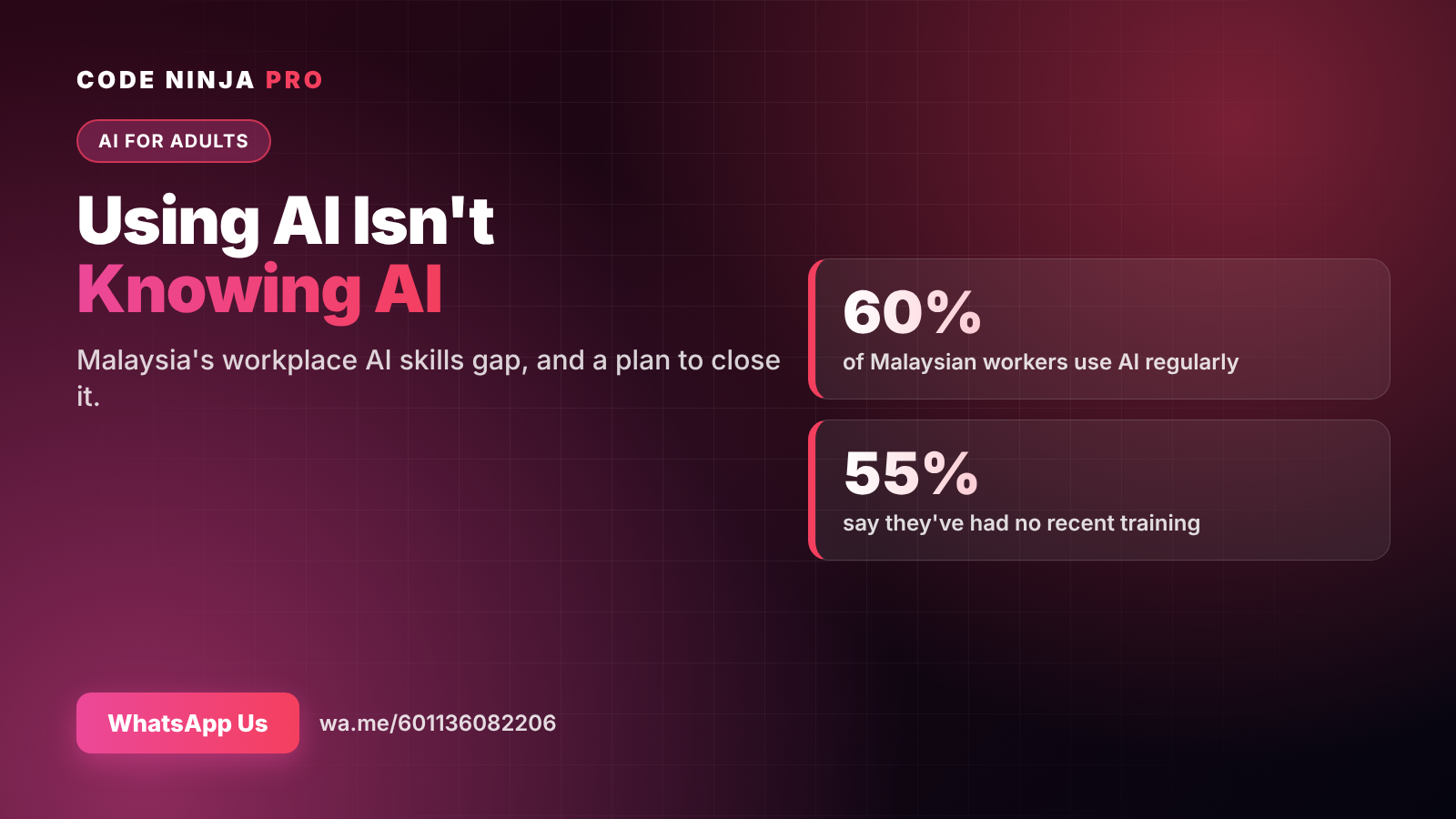
Most of us already use AI at work. ManpowerGroup's Global Talent Barometer 2026 found that 60% of Malaysian workers use AI regularly — but 55% say they haven't had any recent training.
That gap shows. Many people type a quick question into ChatGPT, get a generic answer, and decide AI is "okay, not amazing". The tool isn't the problem. The method is.
Here are seven everyday tasks you can hand to AI this week, with prompts you can copy, and the habits that make the results genuinely useful.
The one pattern behind every good prompt
Before the tasks, one idea that makes every prompt better. Give AI four things:
- Role — who it should act as ("You are an operations manager…")
- Context — what's going on and who it's for
- Format — bullet points, a table, under 150 words
- Constraint — tone, length, what to avoid
You don't need all four every time. But when an answer disappoints, one of them is usually missing.
Task 1: Turn messy meeting notes into action items
Paste your notes and ask:
"From these meeting notes, list: decisions made, action items with owner and due date, and open questions. Use bullet points. Flag anything unclear."
The "flag anything unclear" line matters: it stops AI from inventing owners or dates that weren't in your notes.
Task 2: Fix an email before you send it
"Rewrite this email to be clear and polite, under 120 words. Put my main request in the first sentence. Keep it in Malaysian business English, not American marketing tone."
Useful for difficult emails too: ask for three versions — firm, neutral and warm — then pick the one that sounds like you.
Task 3: Draft the first version of a report
The blank page is the slowest part of any report. Give AI your raw material:
"You are writing a one-page monthly update for my manager. Here are this month's numbers and my notes. Write: a 2-sentence summary, 3 key points, 1 risk, 1 next step."
Then you edit. AI gives you a structured draft; your judgement makes it accurate.
Task 4: Get help with spreadsheets
You don't need to memorise formulas any more. Describe what you want:
"In Excel, column A has dates and column B has sales. Give me a formula for total sales in October 2026, and explain how it works in one sentence."
AI can also clean messy data, suggest a chart, or explain a formula a colleague left behind.
Task 5: Summarise long documents
Policies, tender documents, industry reports:
"Summarise this document for a busy manager. Give me the 5 most important points, anything that requires action from us, and any deadlines."
Always check key facts against the original. AI summaries are a starting point, not the final word.
Task 6: Plan your week
"Here are my tasks and deadlines for the week. I have meetings Monday and Wednesday mornings. Suggest a realistic plan with the hardest work in my best focus hours. Flag anything that won't fit."
It won't know your energy levels unless you tell it — so tell it.
Task 7: Handle life admin, too
AI isn't only for work. Working adults use it to:
- Plan a week of family meals within a budget
- Compare two insurance or phone plans side by side
- Draft a polite message to a contractor or landlord
- Build a study plan for a certification exam
Every hour saved at home is an hour back with your family.
4 rules for using AI safely at work
- Never paste confidential data — customer details, passwords, unreleased financials — into a public AI tool. Check your company's policy first.
- Check facts, numbers and names. AI can sound confident and still be wrong.
- Keep your voice. Edit AI drafts so they sound like you, not like a template.
- You own the result. AI assists; the decision and the responsibility stay with you.
The next step: from prompts to AI agents
Prompts help you do one task faster. AI agents go further: they can follow a series of steps — gather information, use tools, check results and report back.
For example, instead of summarising one email thread, an agent could go through your inbox each morning, sort messages by urgency and draft replies for you to approve. Instead of writing one report, it could pull this week's numbers from a spreadsheet, draft the update and save it to the right folder.
That's more learnable than most people think. You don't need to be a programmer. You need to understand how to define a task clearly, connect the right tools, and review what comes back.
Why structured learning beats trial and error
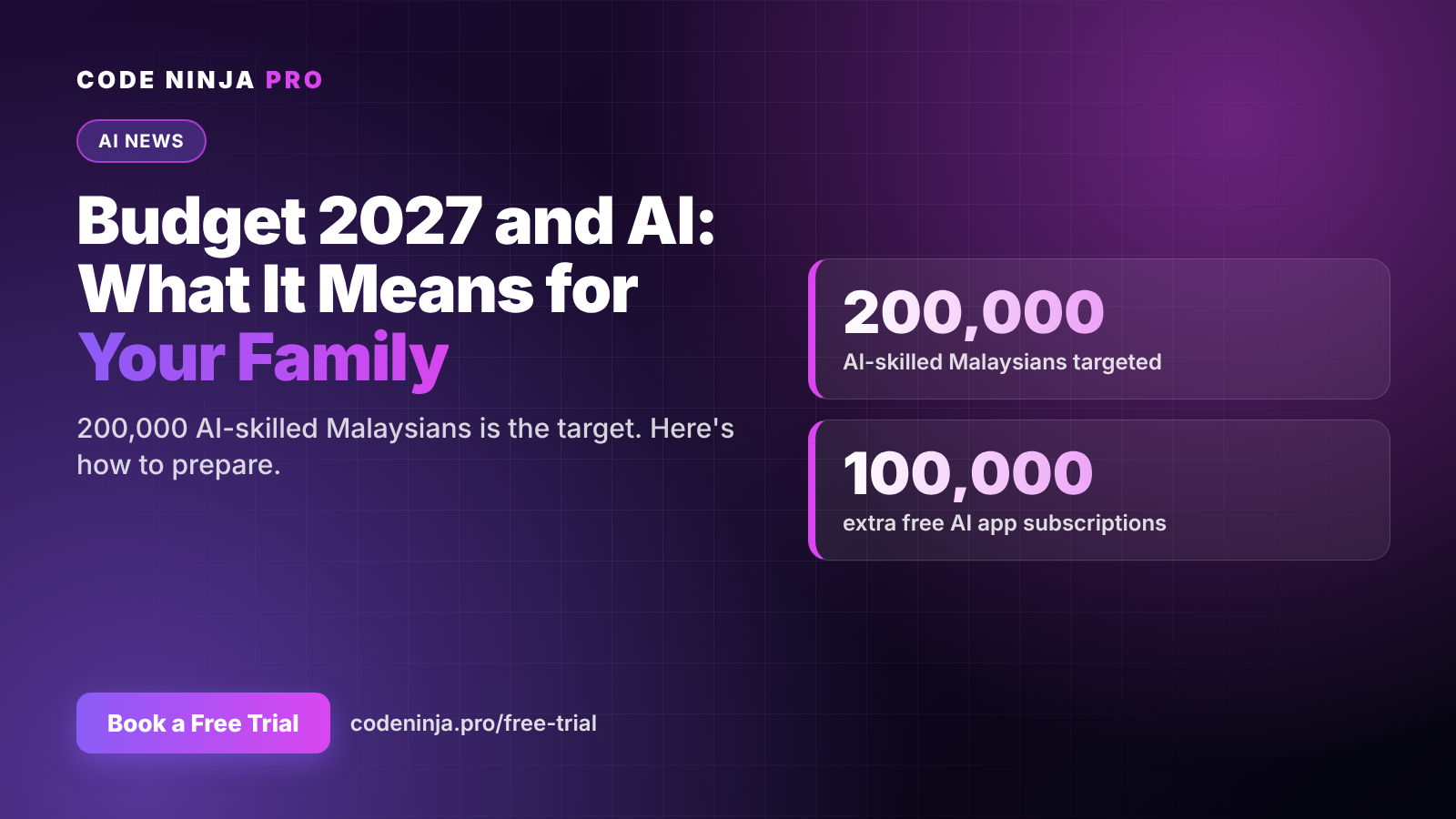
Malaysia is pushing hard on AI skills: Budget 2027 targets 200,000 AI-skilled Malaysians and adds 100,000 free subscriptions to AI apps. Access to tools is becoming easy. What's still rare is a working method.
Trial and error gets you some of the way. A structured course gets you there faster, with practice on your own real tasks and someone to tell you why a prompt isn't working.
That's why we created AI Productivity Pro & AI Agents — a 12-week online course for working adults, with two 1-hour classes a week. You start with prompting habits like the ones above and finish by building your own AI agents for the repetitive parts of your job.
👉 WhatsApp us for course details and the next intake: wa.me/601136082206
FAQ
Do I need a technical background? No. The course is built for working adults in any role — admin, sales, HR, operations, teaching, management. If you can use email and a spreadsheet, you can start.
Is it online or in person? Fully online: 12 weeks, two 1-hour classes per week, so it fits around a full-time job.
Which AI tools will I use? We focus on ChatGPT and the habits that carry over to other AI tools, so your skills don't depend on one app.
What will I be able to do by the end? Write prompts that work the first time, speed up everyday writing and reporting, and build simple AI agents that handle repetitive tasks for you.
How much does it cost? WhatsApp us at wa.me/601136082206 and we'll send you the full details, including fees and the next intake date.
Ready To Experience Coding First-Hand?
Join our FREE Trial Classes and discover the exciting world of coding, AI and robotics.