Spot the Bug: Why Debugging Is the Best Skill Your Child Can Learn
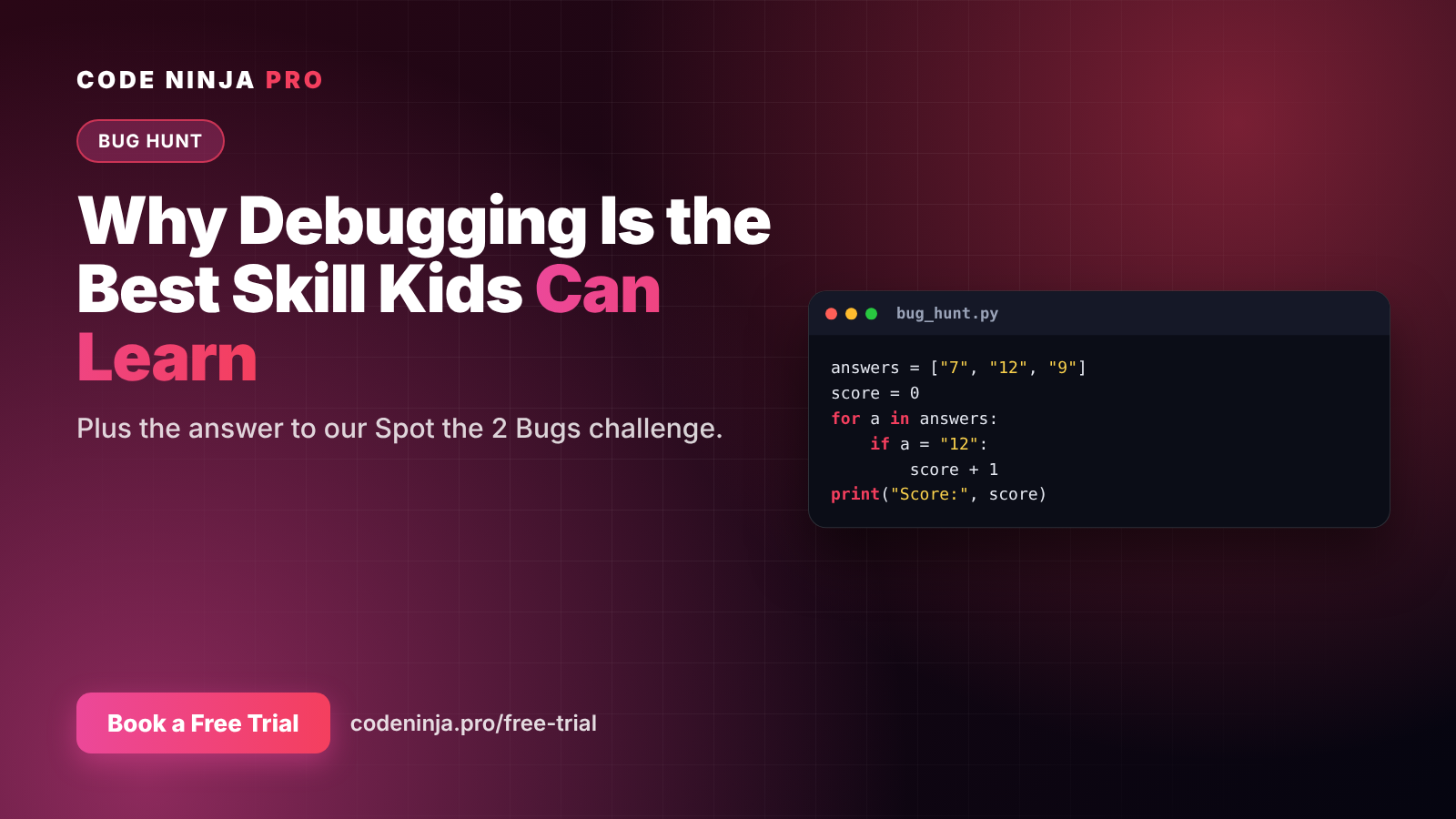
Here's a short Python program. It's supposed to count how many times the answer "12" appears in a list, and print Score: 1.
answers = ["7", "12", "9"]
score = 0
for a in answers:
    if a = "12":
        score + 1
print("Score:", score)
It has two bugs. Before you scroll down, see if you (or your child) can find both. The answer is at the end of this post.
But first: why a bug hunt at all? Because debugging — finding and fixing what's wrong — may be the most valuable skill a young coder learns.
What is debugging?
A bug is a mistake in a program that makes it behave differently from what you intended. Debugging is the process of finding out what went wrong, why, and how to fix it.
Every programmer, from beginner to expert, debugs regularly. It isn't a sign of failure. It's the job.
Why debugging matters more than writing code
Writing code is like following a recipe. Debugging is like figuring out why the cake didn't rise. It needs a different, deeper kind of thinking:
- Patience. You can't rush a bug. Children learn to stay calm when something doesn't work.
- Careful observation. Reading slowly, noticing small details — one
=versus two. - Logical reasoning. "If this line is fine, the problem must be after it."
- Testing ideas. Change one thing, run it again, see what happens.
- Resilience. Every fixed bug teaches a child that being stuck is temporary.
These habits carry far beyond coding: into maths problems, science experiments, and eventually any job that involves solving problems.
Two kinds of bugs
Our challenge contains both main types of bug, which is why it's a great teaching example.
1. Loud bugs (errors). The computer refuses to run the code and shows an error message. When we ran the challenge code in Python 3, it stopped immediately with:
SyntaxError: invalid syntax. Maybe you meant '==' or ':=' instead of '='?
Loud bugs feel scary to beginners, but they're actually helpful: the computer points to the problem, and modern Python often even suggests the fix.
2. Silent bugs (logic errors). The code runs, but gives the wrong result, with no warning at all. In our challenge, if you fix only the first bug, the program runs happily and prints Score: 0 — wrong, but silent.
Silent bugs are harder, because you have to notice something is wrong. That means knowing what the right answer should be — which is why debugging builds real understanding.
How to practise debugging at home
You don't need to be a programmer to help your child build debugging habits:
- Ask "what did you expect, and what happened instead?" Naming the gap is the first step to closing it.
- Read the error message together. Don't skip it. Find the line number it mentions.
- Change one thing at a time. Changing three things at once makes it impossible to know what fixed it.
- Explain it out loud. Programmers call this "rubber duck debugging": explaining the code line by line, even to a toy, often reveals the mistake.
- Celebrate the fix, not just the finish. Praise the moment they found the bug. That's the real skill.
How we teach it at Code Ninja Pro
In our classes, bugs aren't something tutors rush to fix for students. We ask guiding questions, give students time to think, and help them test their own ideas. It takes a little longer — and it's exactly how confident, independent problem-solvers are built.
Want to see how your child handles a real bug? Every free trial includes a hands-on build. 👉 codeninja.pro/free-trial
Spoiler: the answer
Bug 1 (line 4): if a = "12": uses a single =, which assigns a value. To compare, Python needs ==. Fixed: if a == "12":
Bug 2 (line 5): score + 1 calculates a new number but never saves it, so the score stays 0. Fixed: score += 1 (short for score = score + 1).
With both fixes, the program prints Score: 1. 🎉
FAQ
Is it bad if my child makes lots of bugs? No. Bugs are normal for every programmer. What matters is learning to find and fix them calmly.
Should I help my child fix bugs? Guide rather than fix. Ask questions like "which line do you think it is?" so they do the thinking.
What's the difference between = and ==? In Python, = stores a value in a variable; == checks whether two values are equal.
At what age can children start debugging? As soon as they start coding. Even in Scratch, young children debug when a sprite doesn't move the way they planned.
How can my child practise more? Try our other projects, such as the times-table quiz and Mood Bot, or book a free trial at codeninja.pro/free-trial.
Ready To Experience Coding First-Hand?
Join our FREE Trial Classes and discover the exciting world of coding, AI and robotics.