Year-End School Holidays: Give Your Child a Head Start in Coding and AI for 2027
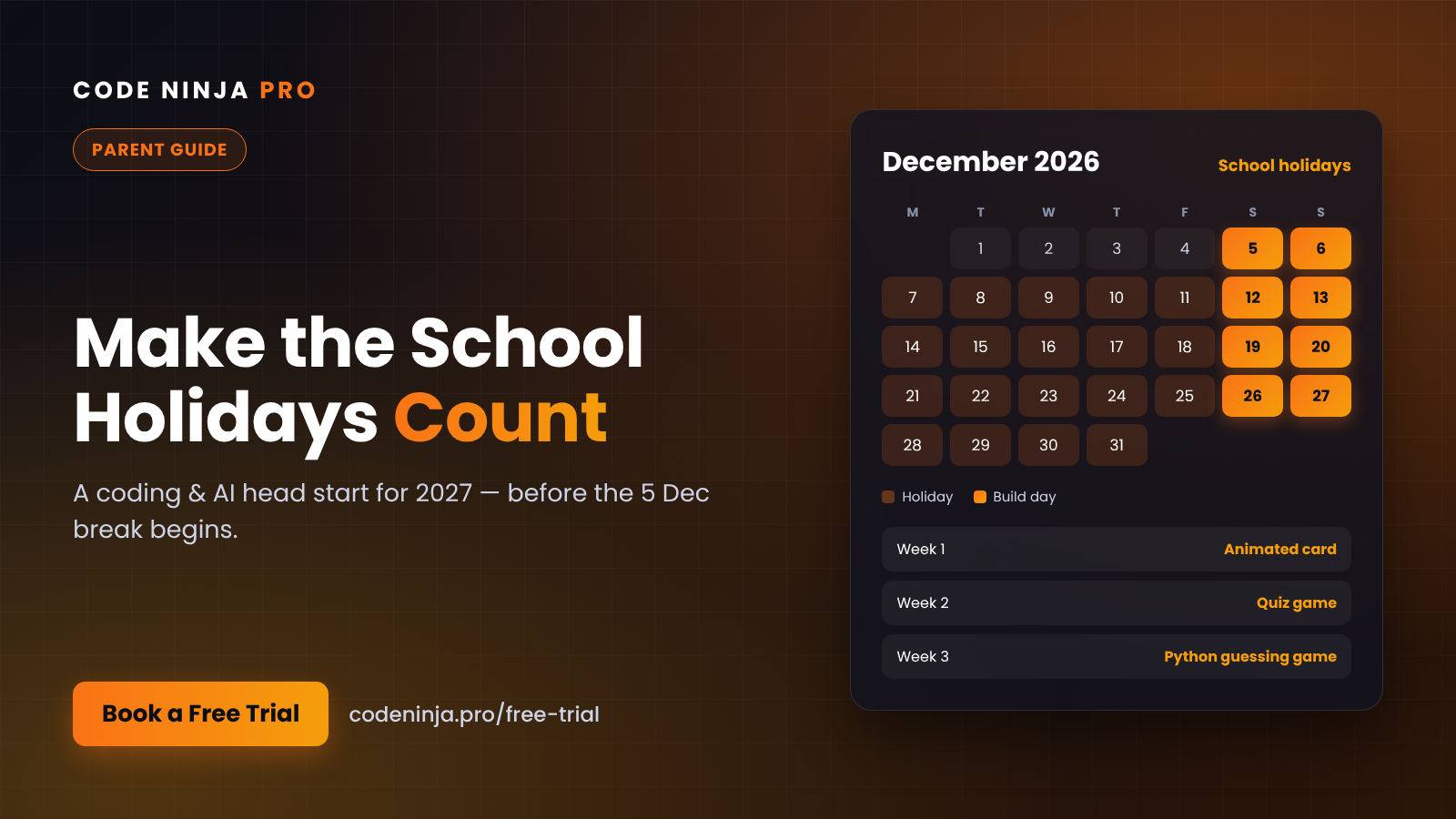
The 2026 school year is almost done. For schools in Penang and the other Group B states, the year-end break runs from 5 to 31 December 2026, and the 2027 school session starts on 4 January 2027 for every state.
That is almost four weeks with no homework and no exams. For most families, those weeks disappear into screens, malls and "I'm bored." For a few, they become the stretch where a child picks up a new skill and walks into the new year a step ahead.
This guide is about how to be the second kind of family, without turning the holidays into extra school.
Why the holidays are the best time to start coding
During the term, a new class competes with homework, tuition and co-curricular activities. Kids are tired, and parents are juggling schedules. A new skill gets squeezed.
The holidays remove that pressure. Children have the headspace to get curious, try things, break things and try again, which is exactly how coding is learned.
There is also a timing advantage. A child who starts in October or November has already settled into a routine before December. By the time the holidays arrive, they are not "starting" anymore. They are building. And a child who arrives in January with a few finished projects carries that confidence into the new school year.
What your child can realistically achieve in a few weeks
Parents often ask what is actually possible in a short period. Here is an honest picture, depending on where your child starts.
Complete beginners (around 7–10 years old) usually start with Scratch, a visual block-based language. Within a few weeks of regular classes, most can build a simple animated story or a small game with characters, movement and a score. More important than the game itself, they learn how to break a big problem into small steps.
Older beginners (around 10–14) can often move from Scratch toward Python, writing their first real lines of code: small quiz programs, number games and calculators.
Students with some experience can start connecting what they know to AI: building simple tools that use AI features, and learning to check whether the AI's answer is actually right.
Every child moves at a different pace. The goal is not a certificate by December. It is a child who has built something they are proud of and wants to keep going.
Five ways to make the year-end break count
You do not need a rigid timetable. A few small habits make a big difference.
- Start before the holidays, not during. Booking a trial class now means your child has met the instructor and settled in before December. Starting on 5 December often means losing the first week to "getting ready."
- Pick one skill, not five. It is tempting to fill every day with activities. One skill done consistently beats five done halfway.
- Keep a weekly rhythm. One class a week, plus some free time to tinker at home, is enough to see real progress. Coding sticks through repetition, not cramming.
- Let them show you. Ask your child to demo what they built each week. Explaining their own project builds confidence and communication skills, and it keeps them motivated.
- Turn screen time into build time. Kids will be on screens over the holidays anyway. The difference is whether they are only consuming games and videos or making their own.
Simple holiday project ideas to try at home
Between classes, a small project at home keeps the momentum going. A few ideas that work well over the break:
- A holiday greeting card that moves. Beginners can animate a Scratch card for Christmas, the new year or a family member's birthday, then share it with relatives.
- A times-table quiz game. Your child builds a quiz that asks random questions and keeps score. It is coding practice and maths revision in one.
- A "guess my number" game. A classic first Python project that teaches loops, conditions and a bit of strategy.
- A family trivia challenge. Older children can build a quiz about the family, then host it during a holiday get-together.
None of these need special equipment, just a laptop and some curiosity. The best part is seeing your child explain to a grandparent how the game they made actually works.
Coding and AI: why it matters now
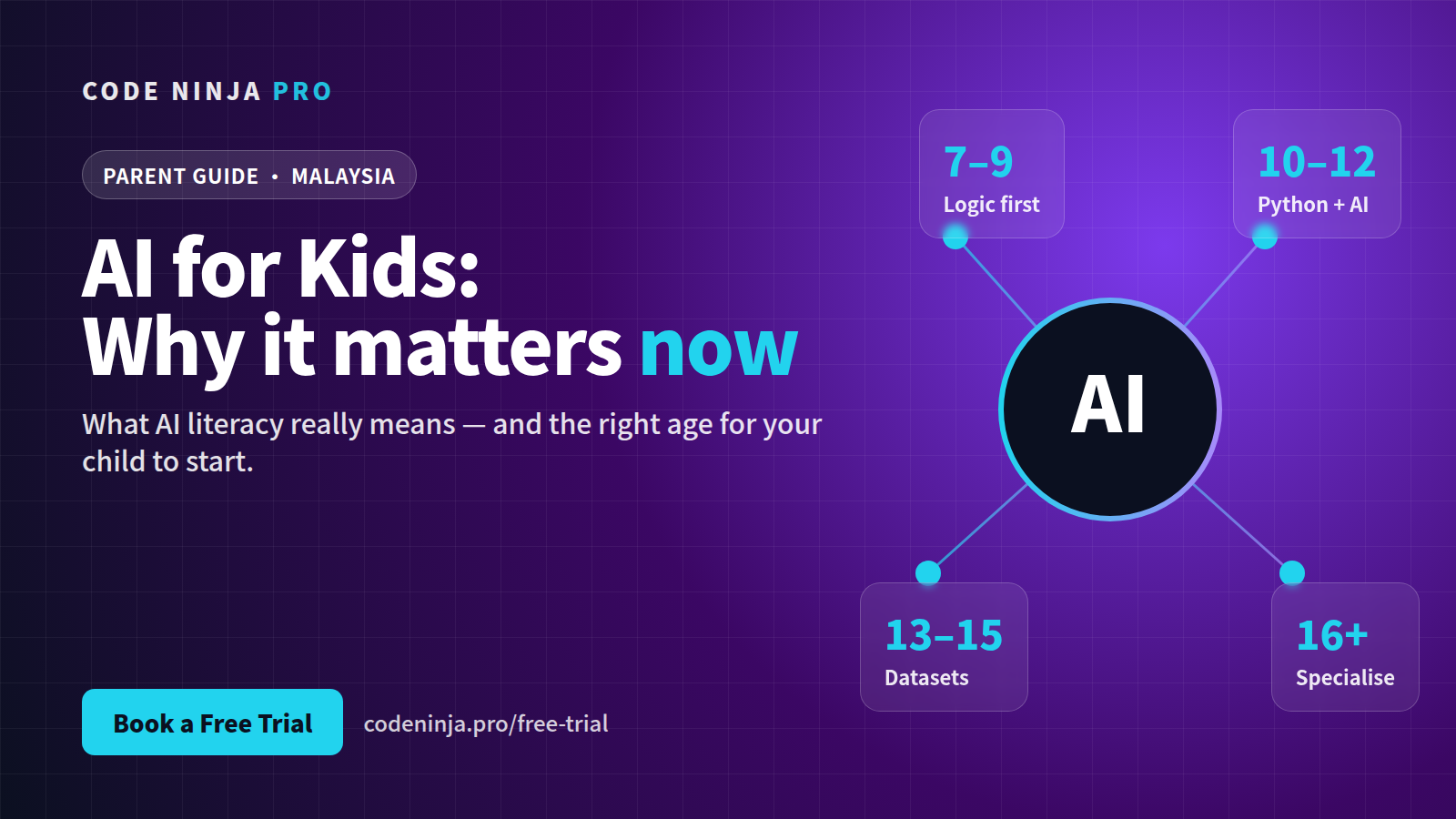
AI tools are already part of everyday life, and children are using them whether we plan for it or not. The question is whether they use AI passively or understand how to work with it well.
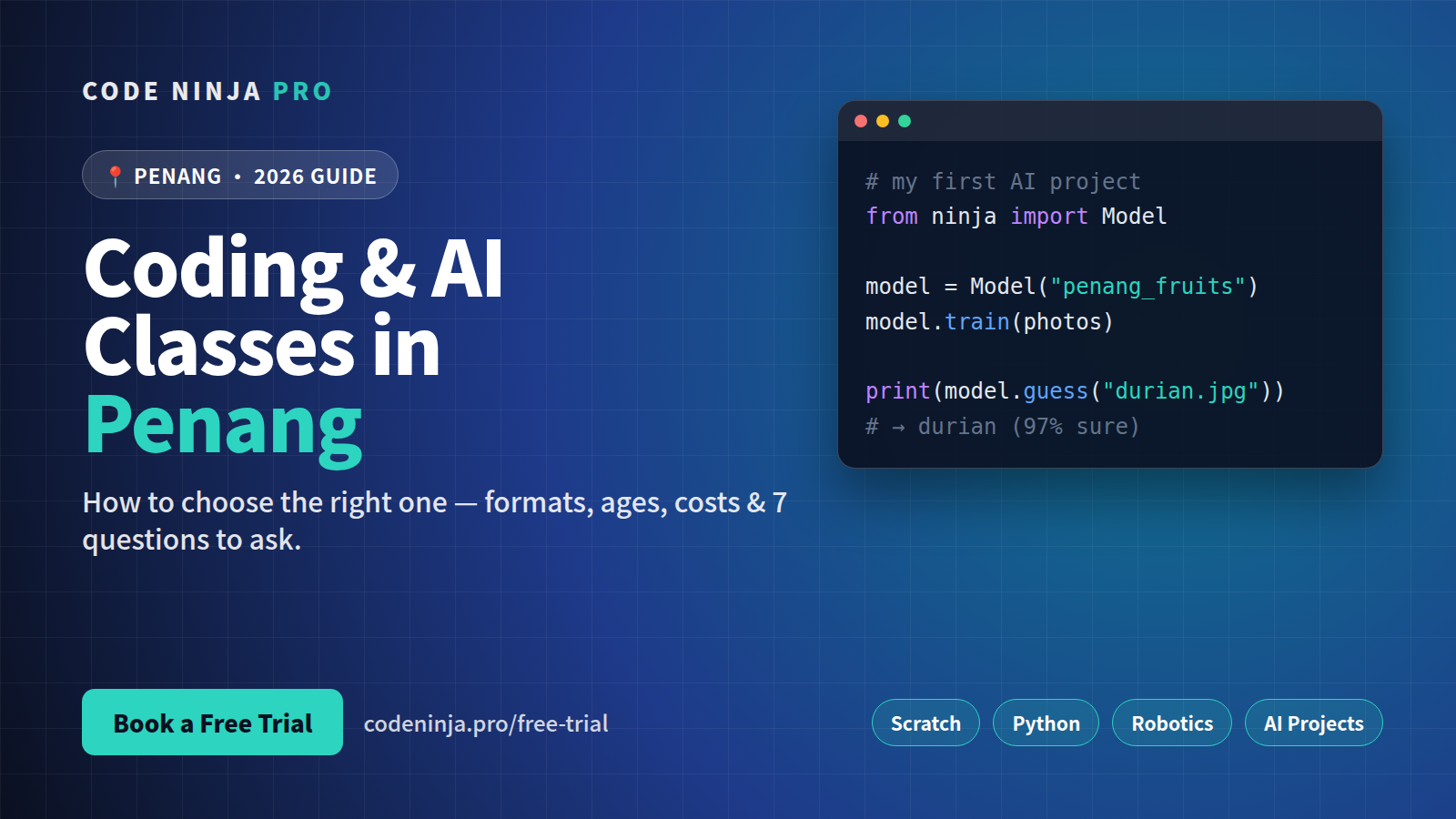
At Code Ninja Pro, students learn AI the way they learn coding: by building. They use AI inside the apps and tools they create, and they learn to question its output instead of trusting it blindly. That habit of checking, testing and thinking critically is useful far beyond coding.
Coding also strengthens the skills schools care about: logical thinking, problem solving and mathematics. Children who code get lots of practice with patterns, sequences, variables and step-by-step reasoning, often without realising they are doing maths.
AI is a tool that helps students learn and create. It does not replace good teaching, and it does not replace a child's own thinking. That is exactly why we teach both together.
How the Code Ninja Pro pathway works
Our classes follow a clear progression so your child always knows what comes next:
- Scratch — visual coding for building logic and confidence
- Python — real text-based programming
- Web and app development — building things other people can use
- AI and robotics — applying everything to intelligent tools and machines
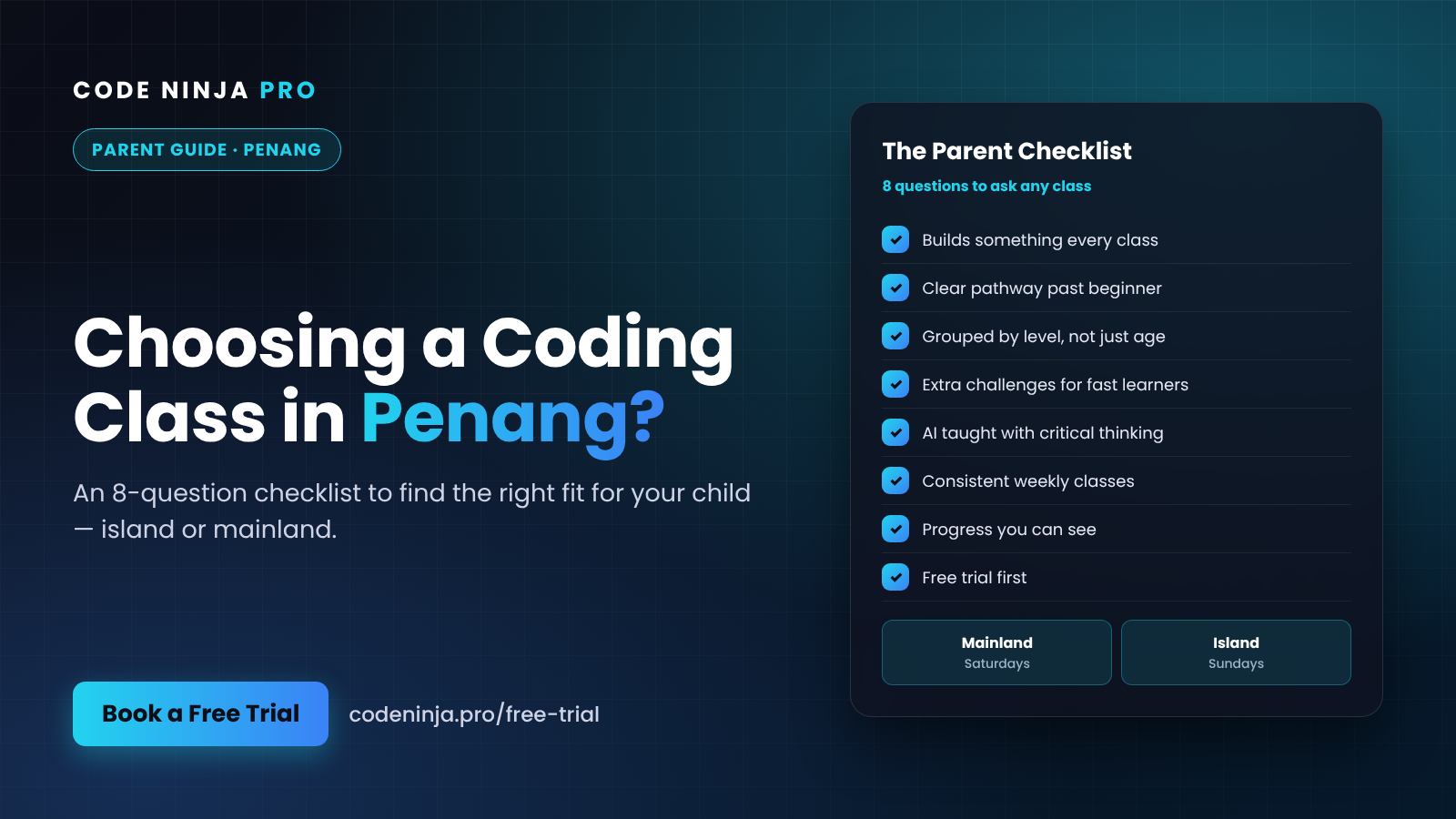
Children start at the level that fits their age and experience, not a one-size-fits-all syllabus. In Penang, we run classes on the mainland on Saturdays and on the island on Sundays, so you can pick the location that suits your family.
Not sure if coding is right for your child?
That is a fair question, and the easiest way to answer it is to let your child try.
Our free trial class gives your child a real, hands-on session. You will see how they respond, what level they are at and whether the class style suits them. There is no pressure to sign up on the spot. If they come home talking about what they built, you have your answer.
Slots before the December holidays are limited, so it is worth booking early.
👉 Book a free trial class at codeninja.pro/free-trial
Frequently Asked Questions
1. When are the 2026 year-end school holidays in Penang? For Penang and other Group B states, the year-end break runs from 5 to 31 December 2026. The 2027 school session starts on 4 January 2027.
2. My child has never coded before. Is that a problem? Not at all. Most of our students start with no experience. Beginners begin with Scratch, which uses visual blocks, so there is no typing-heavy syntax to struggle with at the start.
3. What age can my child start? Children around 7 years old can start with visual coding. Older children and teens can begin at a level that matches their age and experience. The trial class helps us place your child correctly.
4. Will coding take time away from schoolwork? Classes run once a week on weekends, so they fit around the school week. Many parents find coding supports school subjects, especially maths and logical thinking.
5. What happens at the free trial class? Your child joins a hands-on session and builds something during the class. You get to see how they engage, ask the instructor questions and decide whether to continue, with no obligation.
Ready To Experience Coding First-Hand?
Join our FREE Trial Classes and discover the exciting world of coding, AI and robotics.